

Sending an enquiry
One enquiry, however many properties or towns it ends up covering.
There are two ways in, and they reach the same team. You can enquire about one particular property you have found, or you can describe the job and let us search. Either way you get a shortlist back within 24 hours with real prices on properties we have confirmed are free.
How it runs
Four steps, and the longest part is us doing the searching.
- STEP 01
Pick Your Way In
Open a property and send an enquiry on it, or go straight to [Get a shortlist](/enquiry/new) and tell us what the job needs. Use the second one if you are not sure anything on the site is right.
- STEP 02
Confirm Your Email
Enter your work email and we send you a one-time sign-in link. There is no password to choose or remember. Anything you had already selected, the property, the dates and the guests, is held while you do it.
- STEP 03
Tell Us About The Stay
The site location, your dates and how many people. Add the company name, a phone number and anything the stay cannot do without. It takes a couple of minutes and it creates your account at the same time.
- STEP 04
We Come Back To You
A shortlist inside 24 hours, each option with one all-in price for the whole stay. An account manager is on it from that point and stays on it.
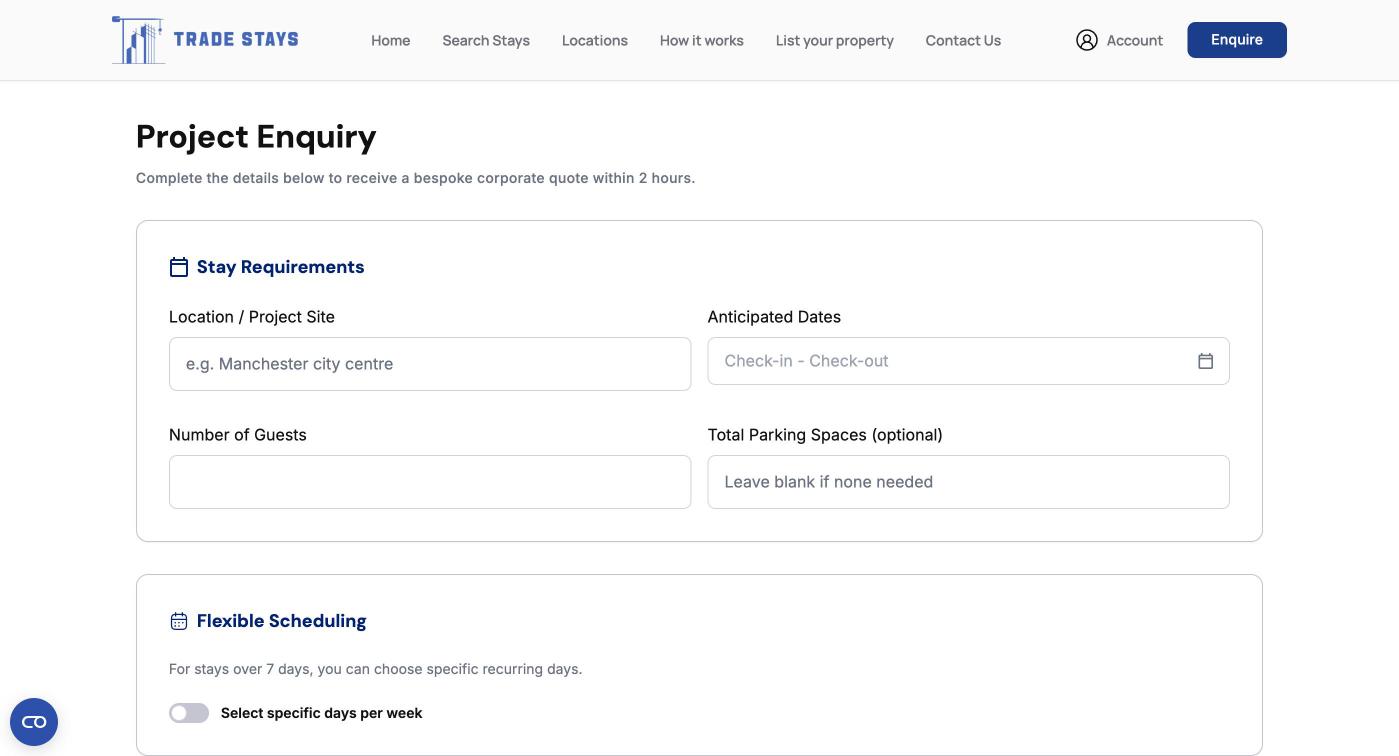
What to tell us, and why it changes the answer
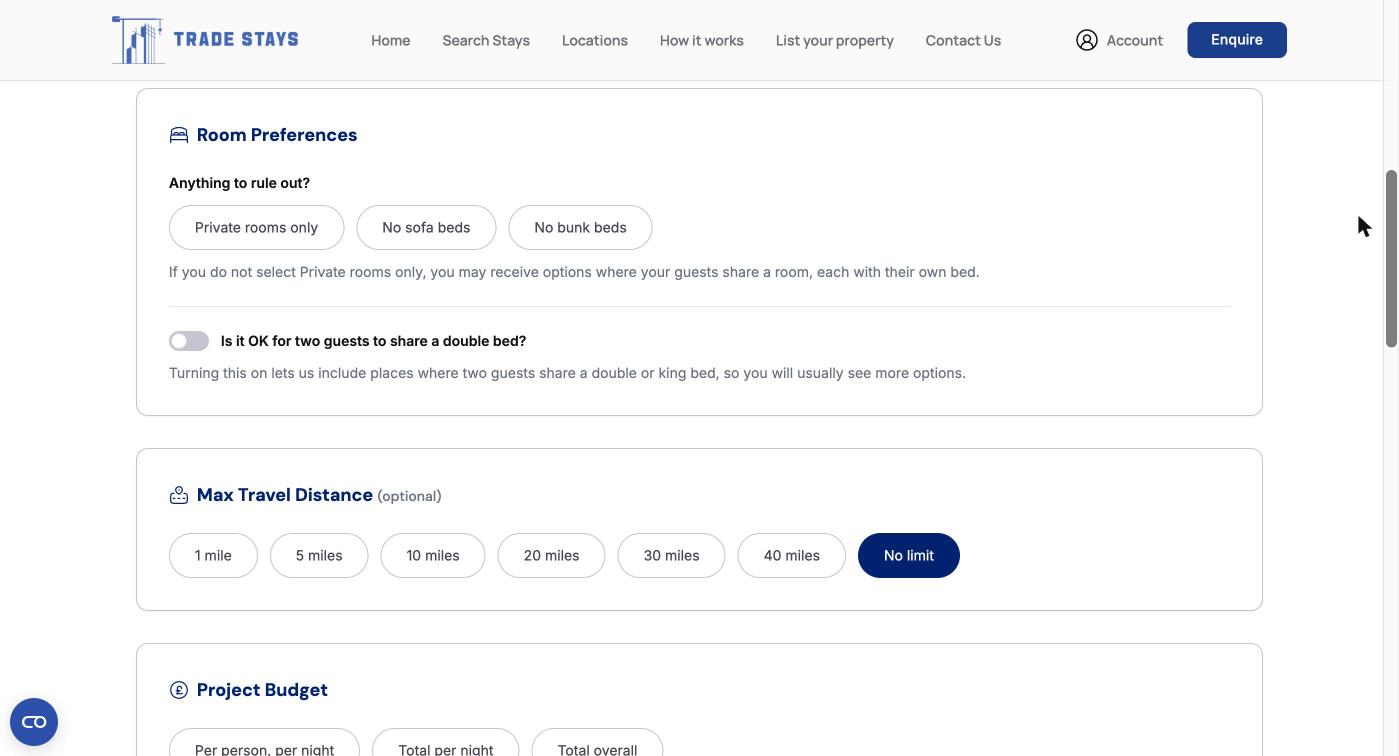
Enquiring about one particular property
If you have found something that looks right, add your dates and guest count on the listing and send an enquiry on it directly. That tells us exactly what you want and we go and check it.
What happens if it is not available. The properties on the site are not a live availability calendar, so a property that looks free may already be taken for your dates. We will say so plainly and come back with the nearest equivalents, matched on the things that made you pick it in the first place. You do not have to start again.
About the sign-in link. We do not use passwords. You enter your work email, we send a link, and clicking it signs you in. The link is good once. If it expires before you get to it, ask for another from the same page. Use a work address rather than a personal one if you can, because it is the address your quotes, confirmations and invoices will go to.
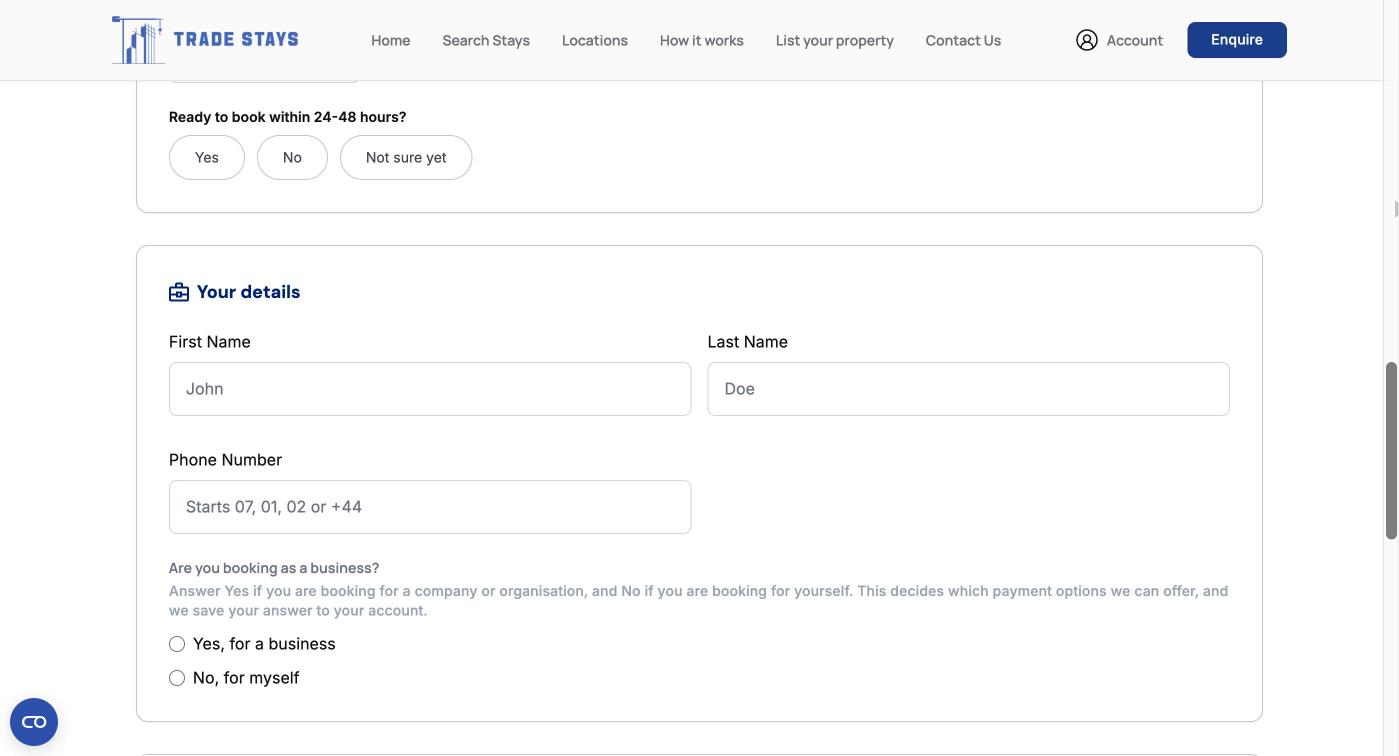
Frequently Asked Questions
You need to confirm your email, which creates the account in the same action as the enquiry. There is no separate sign-up step and no password. If you would rather not do it online at all, call us on +44 (0)20 3743 8989 or use [Contact us](/contact) and we will take the enquiry and set it up for you.
Ready to send one?
The site postcode, your dates and the headcount is enough to start. Everything else we can sort out over email.